
How to Validate Structured Data and Fix Schema Errors
Schema errors fall into a few kinds: broken JSON, wrong vocabulary, missing properties and markup that doesn't match the page. Here's how to find and fix each.
By SEO Tool Orbit5 min read
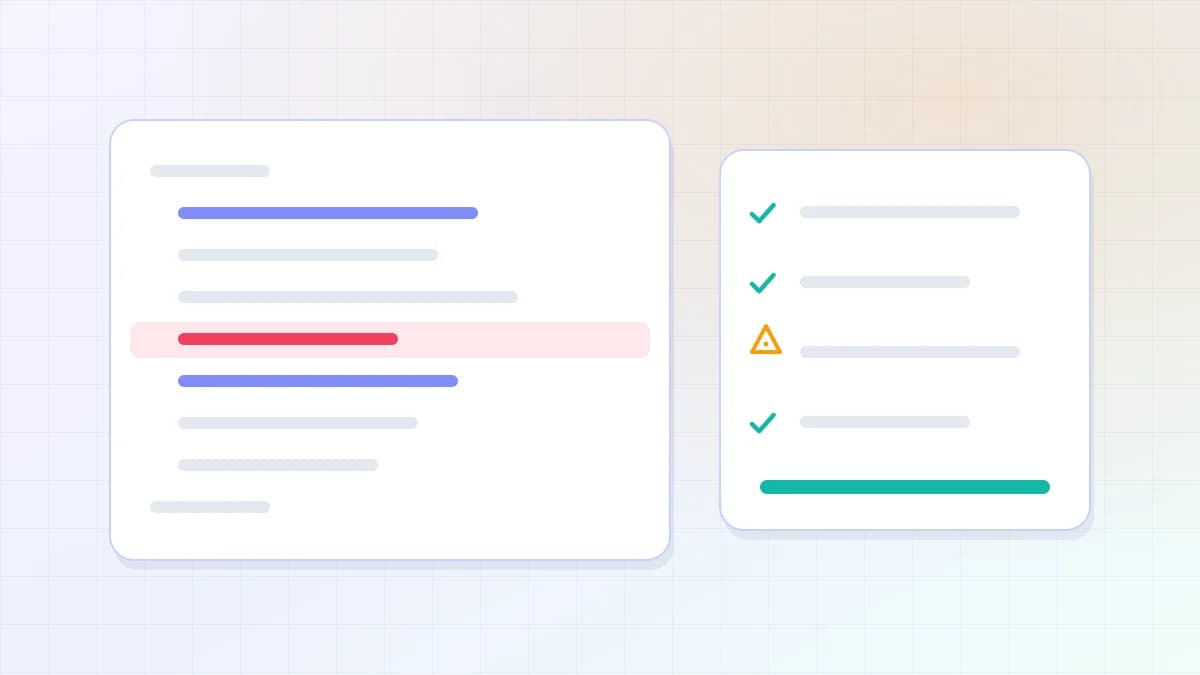
Structured data fails quietly. A missing comma breaks a whole block without any visible sign on the page; a missing property makes a page ineligible for a feature without any error message to visitors. The only way to know is to validate — before publishing, and again after every template change.
In short: separate the two questions. First, is the markup valid — parseable JSON, real Schema.org types and properties? Then, is it eligible — does it include what a specific search feature requires, and does it match the visible page? Fix syntax errors first, then missing required properties, then duplicates and mismatches. Re-test after publishing and after any template or plugin update.
Syntax errors versus eligibility issues
| Kind of problem | Example | Effect | Found by |
|---|---|---|---|
| Syntax error | Trailing comma, unescaped quote | The whole block is ignored | Any parser or validator |
| Vocabulary error | "@type": "Aritcle", invented property | The type or property is ignored | Schema Markup Validator |
| Missing required property | A Product rich result without a price or review | Not eligible for that feature | Rich Results Test |
| Missing recommended property | An Article without an image | Eligible, but less complete | Rich Results Test (as a warning) |
| Content mismatch | Markup says 4.8 stars; the page shows no reviews | May be ignored or treated as spam | A person comparing markup and page |
The Schema Markup Validator (validator.schema.org) checks markup against the Schema.org vocabulary. Google's Rich Results Test checks whether markup qualifies for Google's features — our own Rich Results Test checks eligibility too. You need both kinds of check.
Required and recommended properties
Schema.org itself has almost no required properties; requirements come from each search feature's documentation. Google, for example, lists required and recommended properties per rich result type. Treat "required" as "needed for this feature" and "recommended" as "fill in if the page genuinely has it". Never invent a value to satisfy a validator — an empty, honest property is better than a false one.
JSON-LD parsing problems
Most broken JSON-LD comes from a handful of mistakes:
{
  "@context": "https://schema.org",
  "@type": "Article",
  "headline": "Fixing schema errors",
  "author": { "@type": "Person", "name": "Jane Doe" },   <-- trailing comma before the closing brace
}- Trailing commas after the last property.
- Curly "smart" quotes pasted from a word processor instead of straight quotes.
- Unescaped double quotes inside text values.
- Template variables that output nothing, leaving
"name": ,. - HTML inside values, or the script tag closed early by a value containing
</script>.
Generating JSON-LD with a proper serializer, rather than gluing strings together, avoids nearly all of these.
Duplicate schema blocks
Duplicates usually come from layers that each add markup: the theme outputs an Organization, an SEO plugin outputs another, and someone pastes a third into the page. Search engines may pick one, merge them or ignore them. Decide which layer owns each entity, remove the rest, and connect related entities with @id rather than repeating them. Our structured data formats guide shows how @id works.
Missing properties
- Image on articles and products — check it's an absolute URL to a crawlable image.
- Dates —
datePublishedanddateModifiedin ISO 8601 format. - Author — a Person or Organization with a name, not a bare string where an object is expected.
- Offers on products — price, currency and availability, matching the page.
Schema and visible page content
This is the rule that matters most: structured data must describe what visitors can see. Ratings, prices, FAQs and reviews in markup must appear on the page. Mismatches can make a page ineligible for rich results and, if they look deliberate, can lead to a manual action. When the page changes — a price, a new author — the markup must change with it, which is the strongest argument for generating it from the same data. The schema markup guide covers this principle in more depth.
Reading validator output
- Find the item. Validators group results by detected item, such as "Product" or "BreadcrumbList". A missing item usually means a syntax error stopped parsing.
- Errors first. Errors make an item invalid or ineligible; warnings point to missing optional details.
- Note the path. Messages name the property path, such as
offers.price, which tells you exactly where to look. - Test the live URL, not only a code snippet. The server's real output is what matters.
A worked example
Suppose a product page's markup reports one error and two warnings. The error is a missing offers, because the template only outputs offers for items in stock. The warnings are a missing aggregateRating and a missing brand. The fix is to output offers for every product, with availability set to OutOfStock where appropriate, and to add brand, since the page shows it. The rating warning stays: the page has no reviews, and inventing a rating to silence a warning would be misleading.
A validation workflow
- Generate or edit the markup — the AI Schema Generator creates JSON-LD from a page, content or form, then validates, scores and explains it.
- Validate syntax and vocabulary before publishing.
- Test eligibility for the features you're targeting.
- Compare with the page by eye: every marked-up fact should be visible.
- Publish, then re-test the live URL — what the server returns can differ from your draft.
- Monitor Search Console's enhancement reports for new errors.
Regression testing after publishing
Structured data breaks most often when something else changes: a theme update, a new plugin, a template refactor. Keep a short list of representative URLs — one per template — and re-validate them after every release. A site-wide SEO Audit reports invalid or missing structured data across all pages, which catches template-level breakage that spot checks miss. Add the check to your regular technical SEO audit, and use the audit guide to prioritise what you find.
Frequently asked questions
Should I fix warnings as well as errors?
Fix errors first — they block features. Address warnings when the page genuinely has the missing information; ignore ones that would require inventing data.
My markup is valid but no rich result appears. Why?
Valid markup only makes a page eligible. Search engines decide whether to show a rich result, and some features are restricted to certain sites or queries.
How often should I re-validate?
After every template, theme or plugin change, and on a regular schedule — monthly is reasonable for most sites.
Next step
Pick one URL per template, run each through a syntax validator and the Rich Results Test, and fix the errors you find before working on warnings.
- #Structured Data
- #Technical SEO
- #SEO Audit
Related reading
Technical SEO
JSON-LD vs Microdata vs RDFa: Which Structured Data Format Should You Use?
All three formats express the same Schema.org vocabulary in different ways. Here's how they differ in practice, with examples, and why JSON-LD is the usual choice.
5 min read
Technical SEO
Schema Markup for AI Search and Modern SEO
Structured data helps search engines understand your pages. Learn the fundamentals, the types worth adding, how to validate them and what schema can't do.
6 min read
Technical SEO
How to Perform a Technical SEO Audit Step by Step
A technical audit answers one question: can search engines reach, understand and index your important pages? Here is the order to check things in, and what to fix first.
6 min read

Technical SEO
How to Improve Website Content with an AI SEO Audit
An audit is only useful if you act on it. This guide shows how to read audit results, prioritise fixes and confirm they worked.
5 min read