
AI Agents vs AI Assistants vs Traditional Automation
Assistants answer, automation repeats, agents act. Here's what each really does, where each fits, and the safeguards to put in place before giving any AI the ability to act.
By SEO Tool Orbit5 min read
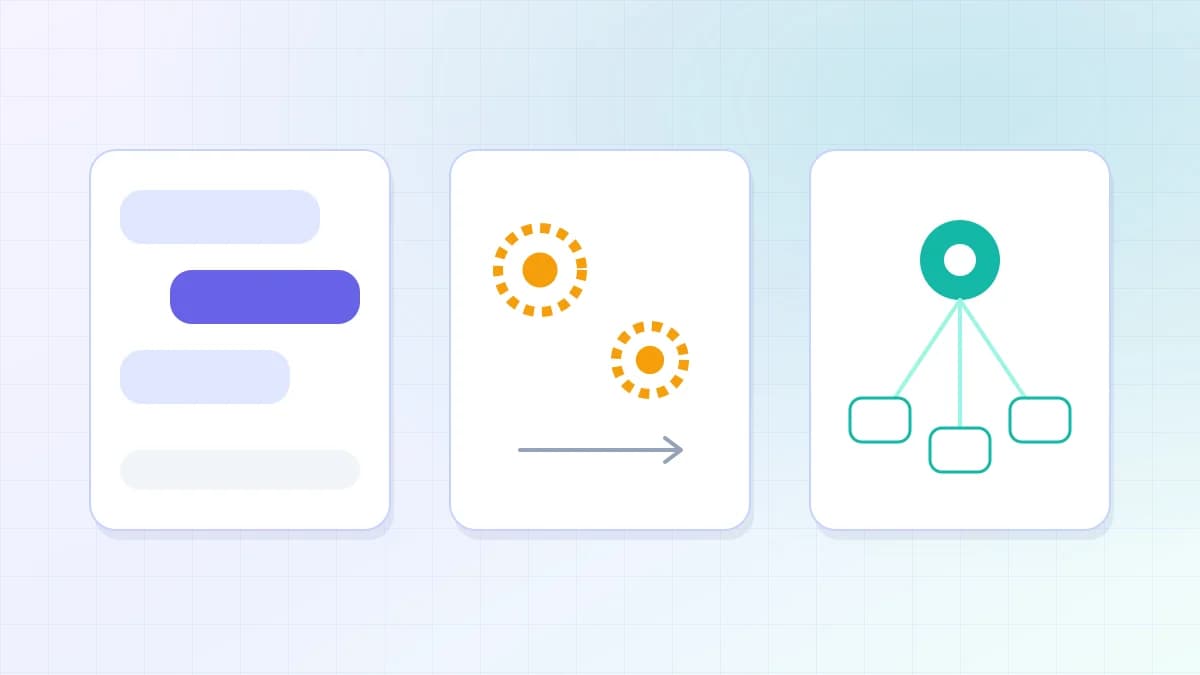
"Agent" has become one of the most used words in AI, and one of the least precise. Some products called agents are chat assistants with a new name; some automations called AI are fixed scripts with a language model in one step. The differences matter, because they decide what the system can do on its own — and what can go wrong.
In short: an AI assistant responds to you and leaves the action to you. Traditional automation runs the same predefined steps every time. An AI agent is given a goal and tools, plans its own steps, and takes actions. Agents are the most flexible and the least predictable, so they need the tightest permissions and the most human oversight.
Definitions and practical differences
| AI assistant | Traditional automation | AI agent | |
|---|---|---|---|
| Starts when | You ask | A trigger fires (schedule, form, event) | You give it a goal |
| Decides the steps | You do | The person who built it, in advance | The agent, as it goes |
| Takes actions | Usually no — it suggests | Yes, fixed actions | Yes, chosen actions |
| Handles new situations | Well (in conversation) | Poorly — it does what it was built for | Often, but not reliably |
| Predictability | High (you review each answer) | Very high | Lower |
| Typical example | Drafting an email you then send | Sending a welcome email when someone signs up | Researching leads and drafting outreach across several tools |
Task execution and tool access
The real dividing line is tool access. An assistant that can only produce text is limited to advice. Give a system the ability to call tools — search the web, read files, send messages, update records — and it can act on the world. That's what makes agents useful, and why their permissions matter more than their intelligence.
Planning and multi-step workflows
Traditional automation follows a flowchart someone drew. An agent builds its own plan: break the goal into steps, try one, look at the result, adjust. That flexibility handles messy tasks a flowchart can't, but it also means the same request can take different paths on different days, and a small misunderstanding early can compound over many steps.
Predictability and human oversight
The more a system decides for itself, the more you need checkpoints:
- Approval steps before anything irreversible — sending, publishing, paying, deleting.
- Limits on how many steps, how long, and how much money or data a run can use.
- Logs of every action taken, so a person can review what happened and why.
- Easy stop and undo wherever possible.
A useful rule: automate fully only what you'd be comfortable seeing done wrong occasionally. Keep a person in the loop for everything else. Our comparison of AI and human writing applies the same thinking to content.
Security and privacy considerations
- Least privilege. Give an agent only the accounts and permissions its task needs, ideally separate, limited ones.
- Prompt injection. An agent that reads web pages, emails or documents can be manipulated by instructions hidden in that content. Treat everything it reads as untrusted.
- Data exposure. Know what data leaves your systems, where it's processed and whether it's retained or used for training.
- Credentials. Never paste passwords into prompts; use scoped tokens that can be revoked.
- Accountability. Someone must own each automated process and its outcomes.
Real business examples
| Task | Good fit | Why |
|---|---|---|
| Drafting a blog intro or rewriting a paragraph | Assistant | A person reviews every result |
| Posting new articles to social channels on publish | Automation | Same steps every time |
| Weekly broken-link report emailed to the team | Automation | Predictable, scheduled |
| Researching a topic across many sources and drafting a brief | Agent, with review | Steps vary by topic; output is checked before use |
| Replying to customers without review | Usually none of them | Errors reach customers directly |
On SEO Tool Orbit, the AI tools work as assistants: the AI Content Writer, AI Article Rewriter and Text Summarizer produce text for you to review and use — they don't take actions on your behalf.
A staged approach
- Assist. The AI drafts or suggests; a person acts. You learn where it's reliable.
- Approve. The system prepares actions, such as a draft email or a report, and a person approves each one.
- Automate the proven parts. Only steps that have been consistently right move to full automation, with logs and limits.
Moving through these stages slowly costs little, and it shows where the technology genuinely helps before anything important depends on it.
Questions to ask before deploying an agent
- What exactly can it access, and can that be narrowed?
- Which actions are irreversible, and do they require approval?
- What untrusted content will it read, and how could that content mislead it?
- How will we know what it did, and how quickly can we stop it?
- Who is accountable for its results?
How to choose the appropriate approach
- Is the task the same every time? Use traditional automation — it's cheaper and more reliable.
- Does it need judgement on each item, with a person deciding? Use an assistant.
- Does it need many varied steps across tools, where a mistake can be caught before it matters? Consider an agent — with limited permissions, approvals and logs.
- Would an error be costly, public or irreversible? Keep a person in charge whatever you choose.
Start with the simplest option that works. Many "agent" projects turn out to be a good brief plus an assistant — see how to build a content brief with AI — or a plain automation. For choosing products in general, our tool selection guide offers a decision matrix, and the content marketing workflow shows where each kind of help fits.
Frequently asked questions
Are AI agents ready for business use?
For bounded tasks with review, often yes. For unsupervised work with access to important systems, caution is wise: reliability varies, and mistakes compound across steps.
Is an AI agent just automation with AI?
Not quite. Automation follows fixed steps; an agent chooses its steps. Some products blend the two, using AI for one decision inside a fixed workflow.
What's the biggest risk with agents?
Acting on bad input — a misunderstanding or a manipulated web page — with real permissions. Limit what agents can do, and review what they did.
Do I need an agent to use AI in my business?
No. Most practical value today comes from assistants used well and from ordinary automation. Agents are worth exploring for varied, multi-step tasks with clear review points.
Next step
List three repetitive tasks in your work and sort each into the table above. Automate the predictable one first; use an assistant for the one that needs judgement.
- #AI Agents
- #AI SEO
- #Content Marketing
Related reading

AI Content Writing
How to Build a Content Brief with AI and Search Intent
A good brief decides most of an article's quality before anyone writes a word. Here's how to build one with AI help, and a template you can copy.
5 min read
AI & SEO
How to Choose the Right SEO and AI Tools for Your Business
Feature lists don't tell you which tool will help your business. A few clear criteria — and an honest trial — do. Here's a practical way to decide.
5 min read
AI Content Writing
AI Writing vs Human Writing: When Should You Use Each?
AI and human writers are good at different things. Here's a practical comparison and a hybrid workflow that uses each where it's strongest.
5 min read
AI Content Writing
How to Build an AI-Assisted Content Marketing Workflow
AI speeds up parts of content marketing. A clear workflow decides whether that speed produces better content or just more of it.
6 min read