
Internal Linking Strategy: Build Topic Clusters That Make Sense
Internal links tell readers where to go next and tell search engines how your pages relate. Here's how to plan them as topic clusters instead of adding them at random.
By SEO Tool Orbit5 min read
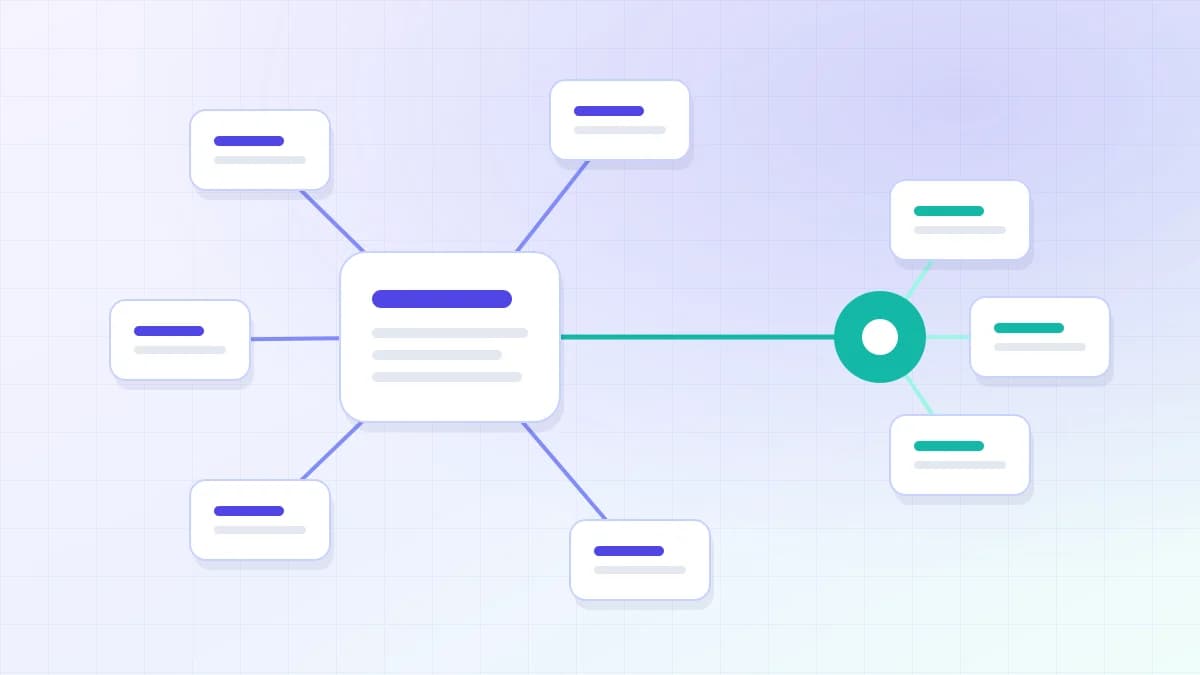
Most sites add internal links as an afterthought: a "related posts" widget, a link here and there when someone remembers. The result is a site where some pages are linked from everywhere and others from nowhere, and neither readers nor search engines can tell how topics fit together. A deliberate internal linking strategy fixes that with very little extra work per article.
In short: group content into topic clusters — one broad pillar page linked to several focused supporting pages, which link back and to each other where it helps the reader. Use descriptive anchor text, link to tools where a reader would naturally use one, make sure no important page is orphaned, and audit links regularly.
Pillar pages and supporting articles
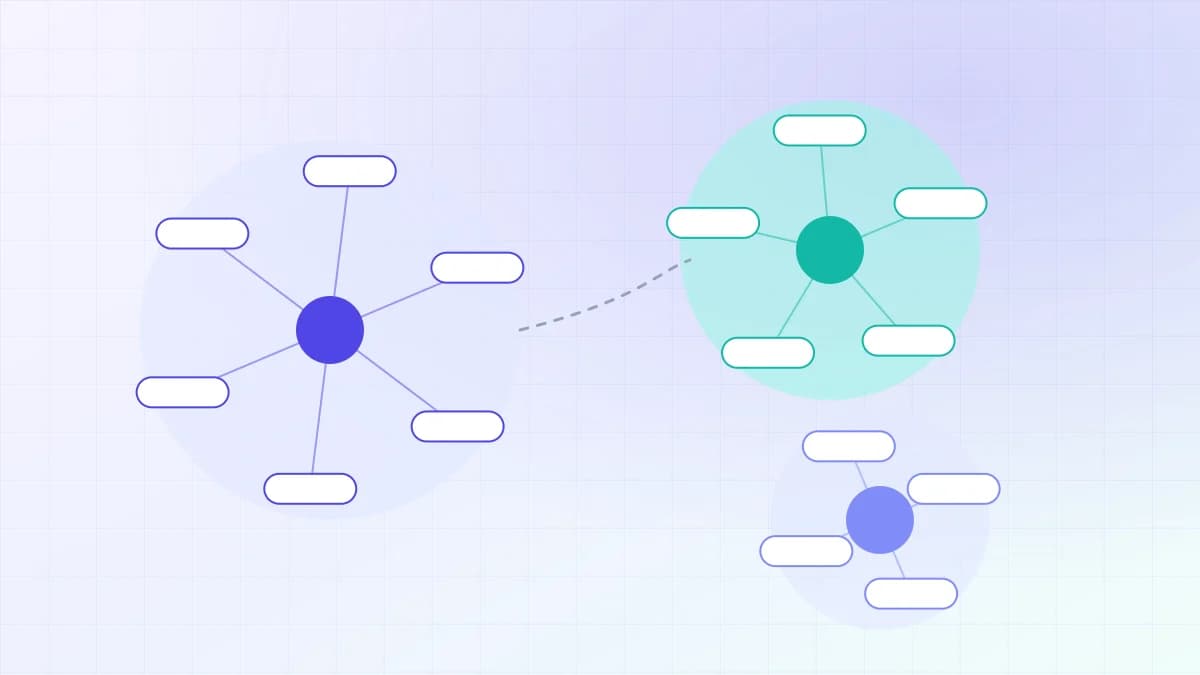
A pillar page covers a broad topic at a level that's useful on its own and points readers to deeper coverage. Supporting articles each answer one specific question in depth. For example:
Pillar: Technical SEO audit checklist
 ├── How to find and fix broken links
 ├── How to create an XML sitemap
 ├── Robots.txt vs meta robots vs X-Robots-Tag
 ├── How to use canonical tags
 └── SEO-friendly URLs and redirects
       └── links across to: canonical tags (redirect vs canonical)
The pillar links down to every supporting article. Each supporting article links back up to the pillar, and across to siblings when the reader needs them — the redirects article naturally mentions canonicals, so it links there.
How to plan a topic cluster
- Pick the core topic your audience cares about and you can cover well.
- List the questions people ask about it — from search data, support tickets and sales calls. The keyword research guide covers how to group them.
- Decide which questions need their own page and which belong as sections of the pillar.
- Map the links before writing: what each page links to and from.
- Put the plan in each brief, so writers know which pages to link — our content brief template has a section for it.
Descriptive anchor text
Anchor text tells readers and search engines what's behind a link. Compare:
| Vague | Descriptive |
|---|---|
| Click here to read more. | See how to find and fix broken links. |
| This article | our guide to XML sitemaps |
| Learn more | how canonical tags prevent duplicate URLs |
Vary the wording naturally. Linking every mention with the identical exact-match phrase reads oddly and adds nothing.
Contextual links to tools
When an article explains a task that a tool performs, link to the tool at the moment the reader would use it — "check your sitemap URLs with a status code checker" — rather than collecting links in a list at the end. Contextual links are more useful and more likely to be clicked. Equally, a tool page can link to the guide that explains its results.
Orphan pages
An orphan page has no internal links pointing to it. Visitors can't find it by browsing, and search engines may only find it through your sitemap — if at all. Find orphans by comparing the URLs in your sitemap or analytics with the URLs a crawl discovers by following links. Then either link them from relevant pages, merge them into a stronger page, or remove them if they no longer serve a purpose.
Navigation versus editorial links
- Navigation links (menus, footers, breadcrumbs) give site-wide structure. They should point to your most important sections, not to every page.
- Editorial links inside the content carry context: they explain why the destination is relevant. They're where topic clusters live.
- Breadcrumbs show where a page sits in the hierarchy and give readers a one-click route up a level.
Finding relevant link opportunities
- When you publish a new article, search your site for pages that mention its topic and add a link from the most relevant ones.
- Review your most visited pages: do they link onward to the pages you most want people to reach next?
- Look for sections that answer a question another article covers in depth — that's a natural link.
- Update older articles when a newer, better resource exists.
Make link updates part of the routine in your content workflow, not a one-off project.
A worked example: adding a new article to a cluster
Suppose you publish a new article on image alt text, and it belongs in a cluster about website performance and accessibility. The linking work takes about fifteen minutes:
- Link from the pillar page's images section to the new article, with anchor text that names the topic.
- Link from two related articles where they mention alt text in passing.
- Link from the new article back to the pillar and across to the closest sibling.
- Link to the image tools at the point in the article where a reader would use them.
- Check that the new URL is in the sitemap and that every new link returns 200.
Internal linking mistakes
- Linking only from new posts to old ones, never updating old posts to point to new ones.
- Sending every link to the homepage or a sales page, whatever the context.
- Using identical exact-match anchors everywhere.
- Linking to pages that redirect, instead of to the final URL.
- Burying important pages several clicks deep while the menu links to minor ones.
How many internal links?
There's no ideal number. Link when it helps the reader take the next step or understand a term. A page with three genuinely useful links beats one with thirty that nobody needs. Avoid stuffing pages with links to the same destination.
Auditing internal links
- Count and review the links on key pages — the Website Links Counter lists every internal and external link on a page, including nofollow, sponsored and UGC links.
- Find broken internal links and redirect chains with the Broken Link Checker, then fix the links themselves — this guide explains how.
- Crawl the site with an SEO Audit to spot orphan and deep pages.
- Check that each cluster still links the way you planned after edits and new posts.
Distinct, descriptive titles help too: when pages in a cluster have clearly different titles, links between them make obvious sense — see how to write SEO titles.
Frequently asked questions
Do internal links help rankings?
They help search engines discover pages and understand which ones matter and how they relate. They don't replace good content, but strong content that nobody links to is easily overlooked.
Should I nofollow internal links?
Generally no. Nofollow on your own links mostly hides pages from crawlers. Use it for links you don't vouch for, not for structure.
Is a "related posts" widget enough?
It helps, but automatic widgets can't explain context. Use them alongside a few hand-chosen editorial links.
Next step
Choose one topic you cover in several articles, draw its cluster as a simple tree like the example above, and add the missing links between pillar, supporting pages and tools this week.
- #Internal Linking
- #Content Marketing
- #Technical SEO
Related reading
AI Content Writing
How to Build a Content Brief with AI and Search Intent
A good brief decides most of an article's quality before anyone writes a word. Here's how to build one with AI help, and a template you can copy.
5 min read
Technical SEO
How to Find and Fix Broken Links on Your Website
Broken links frustrate visitors and waste crawl time. Here's how to find them, decide what each one needs, and make sure the fix sticks.
5 min read
AI & SEO
How to Write SEO Titles and Meta Descriptions That Earn Clicks
Your title and description are your page's first impression in search. Here's how to write them for the searcher, avoid common mistakes, and test what works.
5 min read
AI & SEO
How to Use AI for Keyword Research and Search Intent Analysis
AI is a fast brainstorming partner for keyword research. This guide shows how to turn its ideas into validated topic clusters and useful content briefs.
6 min read