
Robots.txt vs Meta Robots vs X-Robots-Tag
Robots.txt controls crawling; meta robots and X-Robots-Tag control indexing. Mixing them up is one of the most common ways sites accidentally disappear from search.
By SEO Tool OrbitUpdated November 9, 20265 min read
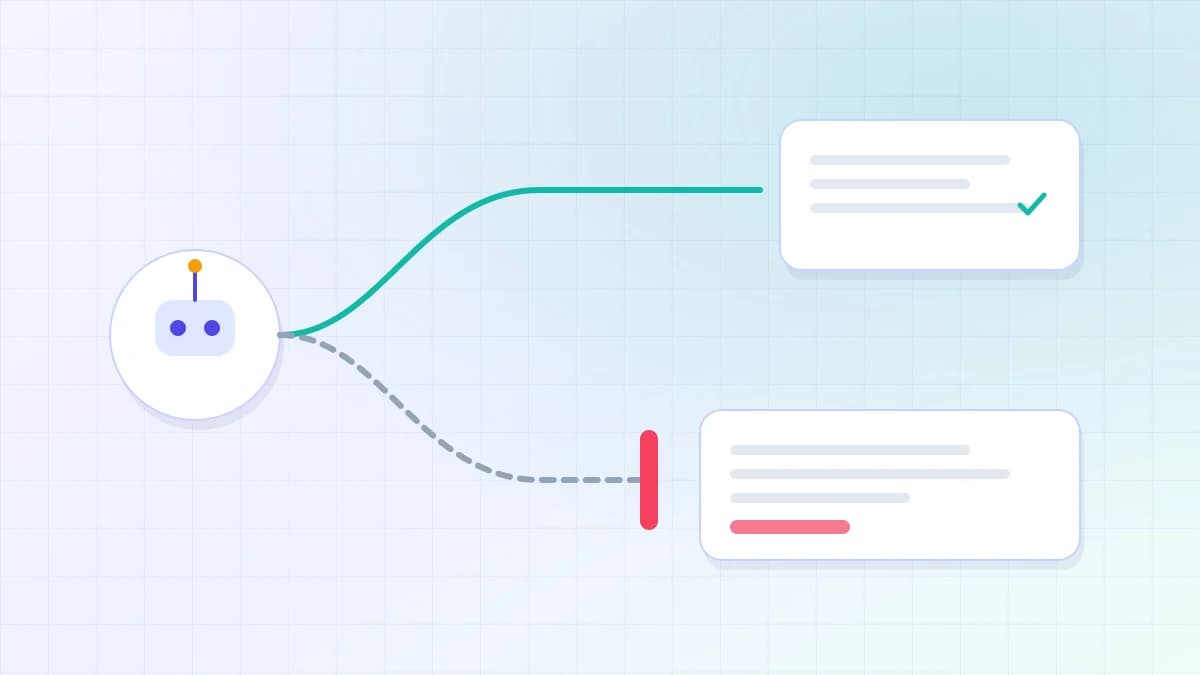
Three different mechanisms tell search engines what to do with your pages, and they look similar enough to be confused. They aren't interchangeable. One controls whether a crawler may fetch a URL; the other two control whether a page may appear in results. Using the wrong one can do the opposite of what you intended.
In short: use robots.txt to stop crawlers fetching areas they don't need, such as internal search results. Use a meta robots tag to keep an HTML page out of search results. Use the X-Robots-Tag HTTP header to do the same for PDFs, images and other files. Never block a page in robots.txt if you need search engines to see its noindex.
The three mechanisms at a glance
| robots.txt | Meta robots | X-Robots-Tag | |
|---|---|---|---|
| Controls | Crawling | Indexing and snippets | Indexing and snippets |
| Where | One file at the site root | In the HTML <head> | In the HTTP response headers |
| Applies to | URL paths, by pattern | The HTML page it's on | Any file type |
| Typical use | Keep crawlers out of low-value areas | noindex a thin or private page | noindex PDFs or images; rules for whole folders |
| Crawler must fetch the page? | No — that's the point | Yes, or it never sees the tag | Yes, or it never sees the header |
Robots.txt: controlling crawling
Robots.txt lives at /robots.txt on each host. It applies only to that host and protocol — https://www.example.com and https://example.com each need their own.
User-agent: *
Disallow: /search
Disallow: /cart
Allow: /search/help

Sitemap: https://example.com/sitemap.xmlUser-agentnames the crawler a group of rules applies to;*means all crawlers.DisallowandAllowtake path prefixes. Paths are case-sensitive.- Google and Bing support
*as a wildcard and$to match the end of a URL. Sitemappoints to your sitemap with an absolute URL — see the XML sitemap guide.
The key limitation: robots.txt prevents fetching, not indexing. If other pages link to a blocked URL, it can still appear in search results — just without a description, because the crawler never read the page.
The Robots.txt Generator builds a valid file with allow and disallow rules and a sitemap reference.
Meta robots: controlling indexing of HTML pages
<meta name="robots" content="noindex, follow">Common values:
noindex— don't show this page in results.nofollow— don't follow links on this page.nosnippet— don't show a text snippet;max-snippet:[number]limits its length.max-image-preview:large— allow large image previews.unavailable_after: [date]— stop showing the page after a date.
You can target one crawler by name, for example <meta name="googlebot" content="noindex">. Check a page's robots tag, title and description with the Meta Tags Analyzer.
X-Robots-Tag: the same rules, as an HTTP header
PDFs, images and other files have no HTML <head>, so the rules go in the response header instead:
HTTP/1.1 200 OK
Content-Type: application/pdf
X-Robots-Tag: noindex
Because it's set at the server, the header can also apply rules to a whole folder or file type in one place. See exactly which headers a URL returns with Get HTTP Headers. Our PDF SEO guide shows the header in use for documents.
When to use each
| Goal | Use |
|---|---|
| Keep a page out of search results | noindex (meta tag or header) — and let it be crawled |
| Stop crawlers wasting time on infinite filters or internal search | robots.txt Disallow |
| Keep a PDF out of results | X-Robots-Tag: noindex |
| Remove a page that should no longer exist | Return 404 or 410, or redirect it |
| Keep private content private | Password protection — none of these are security controls |
Common mistakes
- Blocking a noindexed page in robots.txt. The crawler can't fetch it, never sees the noindex, and the URL may stay indexed.
- Leaving a staging rule live.
Disallow: /or a site-wide noindex copied from staging to production. - Blocking CSS and JavaScript. Search engines need them to render pages properly.
- Treating robots.txt as privacy. The file is public and lists exactly the paths you'd rather hide.
- Expecting crawl-delay to work everywhere. Google ignores it; Bing and Yandex respect it.
- Conflicting signals. A noindexed page that's also in your sitemap and set as a canonical target.
AI crawlers are controlled through robots.txt too. Blocking a training crawler is a business choice, but blocking the crawler behind an AI search product can remove you from its answers — our GEO guide discusses the trade-off.
Common scenarios and the right control
| Scenario | Right control | Why |
|---|---|---|
| Staging or test site | Password protection (plus noindex as a backup) | Robots rules aren't access control, and staging rules leak into production |
| Internal site search results | robots.txt Disallow, or noindex | Endless low-value URL combinations |
| Faceted filters on a shop | Canonical to the main category; Disallow only for crawl traps | Some filters deserve indexing; most combinations don't. Our e-commerce SEO guide covers the options |
| "Thank you" and confirmation pages | noindex | Useful to visitors, useless in search |
| Downloadable PDFs you don't want in results | X-Robots-Tag: noindex | PDFs have no HTML head |
| Printer-friendly duplicates | Canonical to the main page | The content is a duplicate, not private |
How robots blocking affects indexability
If a URL is disallowed, search engines can't read its content, its canonical tag or its noindex. They may index the bare URL anyway if it's linked, or drop it over time — you lose control either way. If a page should be indexed, it must be crawlable. If it shouldn't be, let it be crawled and say noindex. Canonical tags follow the same rule: a blocked page's canonical is invisible.
Testing changes safely
- Write the new rules and test specific URLs against them before publishing — Search Console's robots.txt report shows how Google fetched and read your file.
- Change one thing at a time, and keep a copy of the previous file.
- After publishing, check that important pages are still crawlable and that the file returns 200. A robots.txt that returns a server error can make Google pause crawling the site — one of the causes covered in our guide to pages Google isn't indexing.
- Crawl the site with an SEO Audit to catch pages that became blocked or noindexed by mistake.
Frequently asked questions
Does Disallow remove a page from Google?
No. It stops crawling. To remove a page from results, use noindex (and keep it crawlable), return 404/410, or use Search Console's removals tool for urgent cases.
Can I use noindex in robots.txt?
No. Google stopped supporting noindex rules in robots.txt in 2019. Use the meta tag or header.
Do I need a robots.txt file at all?
Not if you don't want to restrict crawling — a missing file means everything may be crawled. Most sites still add one to point to their sitemap.
Next step
Read your live robots.txt line by line, then check your three most important pages for a stray noindex with the Meta Tags Analyzer. Fix any conflict between the two before anything else.
- #Technical SEO
- #Crawling & Indexing
Related reading
Technical SEO
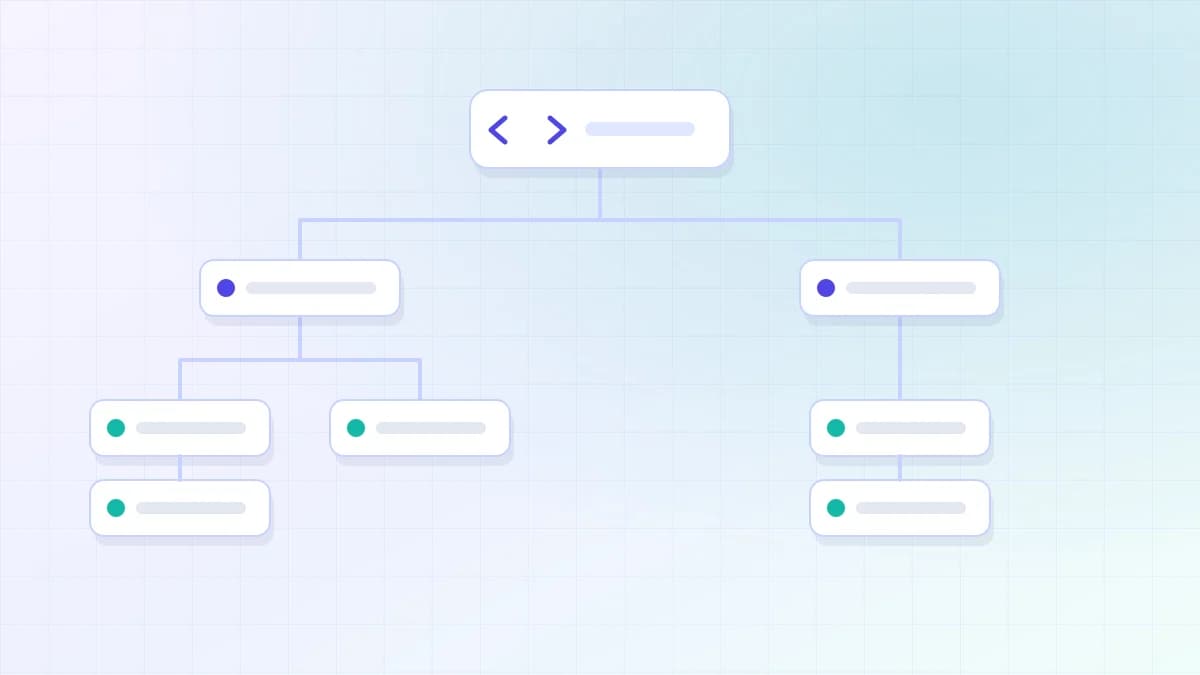
How to Create an XML Sitemap for a Website
An XML sitemap tells search engines which pages you want found. Here's what to include, how to structure it for large sites, and how to keep it accurate.
5 min read
Technical SEO
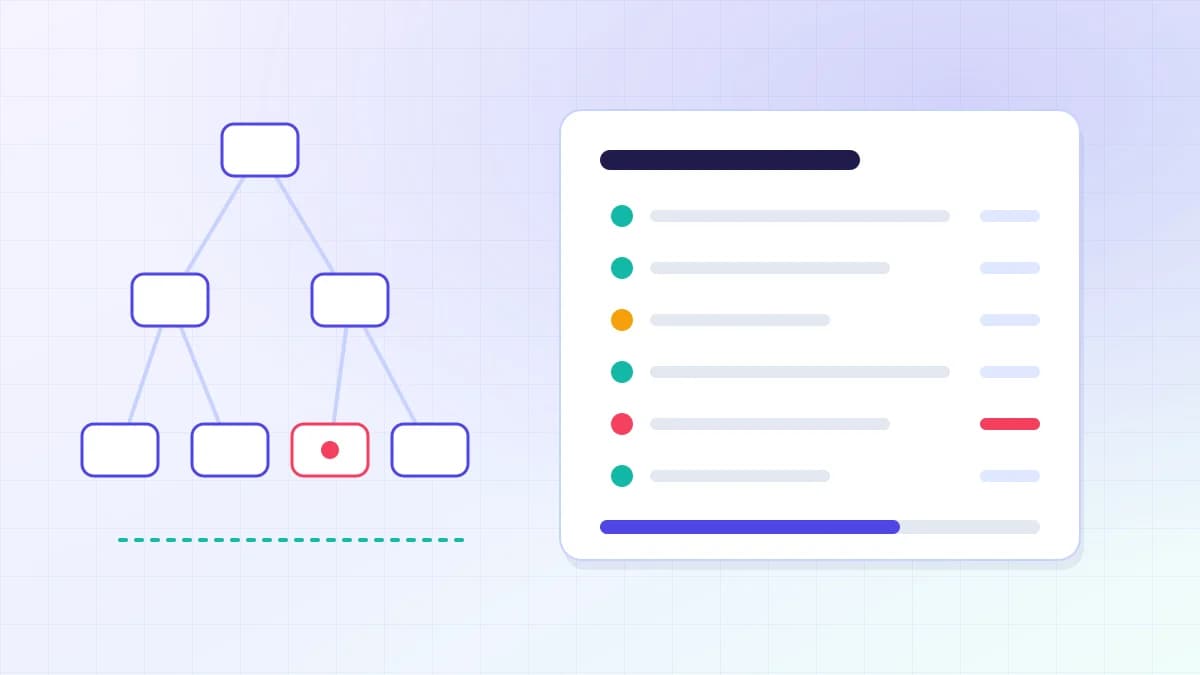
How to Perform a Technical SEO Audit Step by Step
A technical audit answers one question: can search engines reach, understand and index your important pages? Here is the order to check things in, and what to fix first.
6 min read
Technical SEO
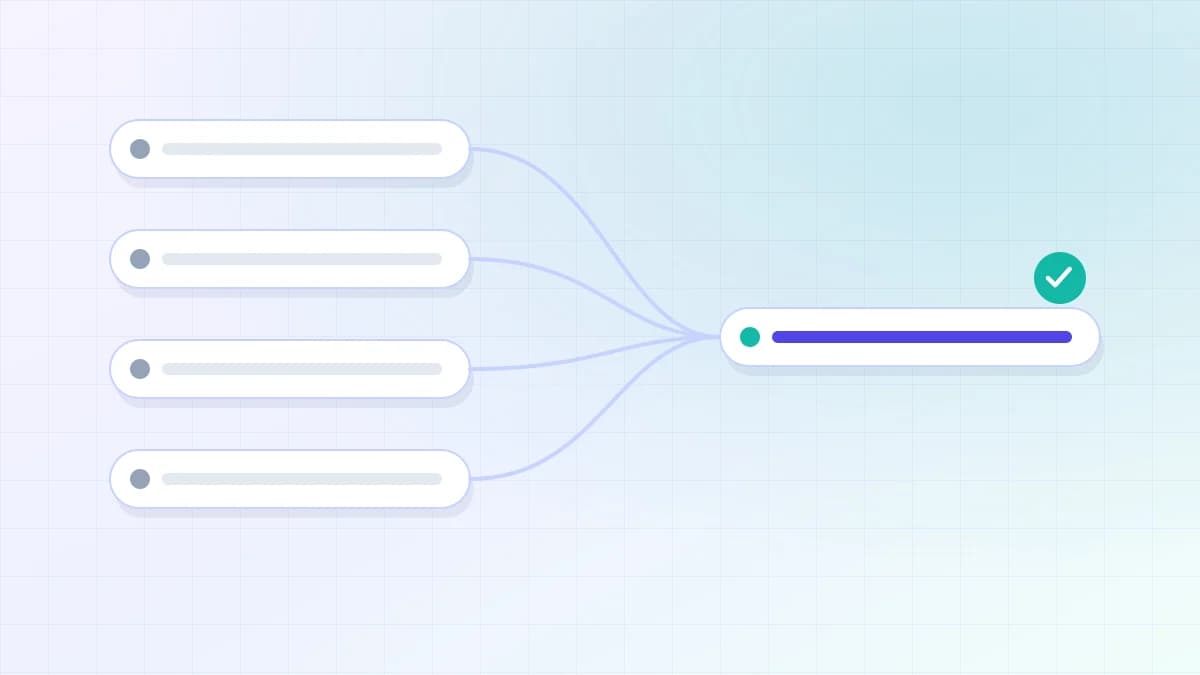
How to Use Canonical Tags to Prevent Duplicate URL Problems
The same page often lives at several addresses. Canonical tags tell search engines which one to index — when they agree with your other signals.
5 min read

AI Search & GEO
Generative Engine Optimization (GEO): A Beginner's Guide
Generative engines summarise the web instead of listing it. Here's what that changes, what still matters, and how to evaluate your visibility honestly.
6 min read