
How to Create SEO-Friendly URLs and Website Redirects
Good URLs are readable and stable; good redirects keep old links working when URLs must change. Here's how to get both right, including during migrations.
By SEO Tool Orbit5 min read
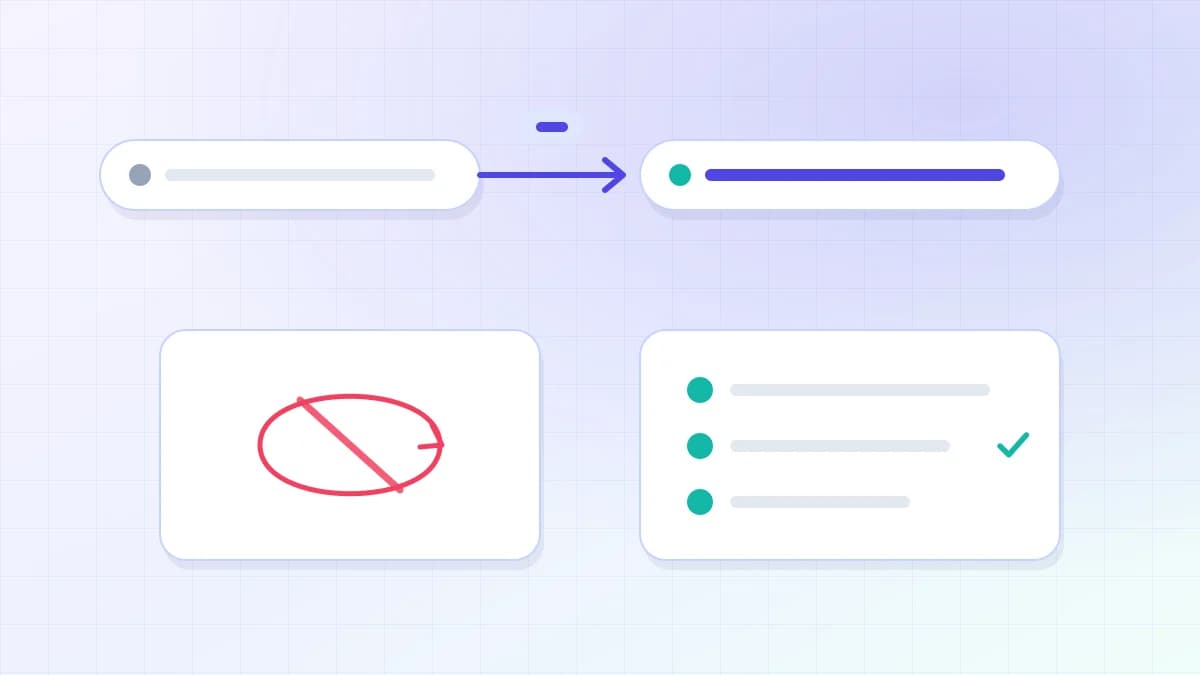
URLs are easy to ignore until they cause trouble: a cryptic address nobody trusts, a renamed page that breaks a hundred links, a migration that loses half its traffic. Getting URLs right from the start — and redirecting carefully when they must change — avoids most of that pain.
In short: use short, readable, lowercase URLs with hyphens between words, and pick one convention for trailing slashes. Keep parameters out of URLs you want indexed. When a URL changes, use a permanent server-side redirect (301 or 308) straight to the new address, avoid chains and loops, update your own links, and test everything.
Readable URL structures
| Harder to read | Readable |
|---|---|
| /index.php?id=4821&cat=7 | /guides/xml-sitemaps |
| /Blog/2026/10/My_Post_FINAL(2) | /blog/technical-seo-audit-checklist |
| /products/item/12345 | /products/trail-running-shoes |
A readable URL tells people what to expect before they click and is easier to share. It also stays meaningful if you reorganise the site, which makes future redirects simpler.
Slugs and meaningful wording
- Describe the content in a few words; drop filler such as "and", "the", "a" when it doesn't hurt meaning.
- Use hyphens between words, not underscores or spaces.
- Avoid dates and numbers that will date the page, unless the date is the point (an annual report).
- Don't stuff keywords. One clear phrase is enough.
- Keep it stable. Changing a slug later means a redirect. Choose carefully the first time.
The URL Rewriting Tool turns a title or phrase into a clean slug.
Case and trailing-slash consistency
To a server, /Guides, /guides and /guides/ can be three different URLs. Pick lowercase and one trailing-slash convention, redirect the other variants to it, and use the chosen form everywhere: internal links, sitemaps and canonical tags. The canonical tags guide explains how these signals work together.
Query parameters
Parameters are fine for tracking, sorting and filtering, but they multiply URLs quickly: three filters with five values each can create over a hundred combinations. Keep the canonical version of a page parameter-free, use canonical tags on parameter variants that show essentially the same content, and avoid linking internally to tracking-parameter URLs.
The redirect status codes
| Code | Meaning | Request method on redirect | Use for |
|---|---|---|---|
| 301 | Moved permanently | May change POST to GET | Permanent URL changes (most common) |
| 308 | Permanent redirect | Preserved | Permanent changes where the method must be kept |
| 302 | Found (temporary) | May change POST to GET | Short-term moves, such as a temporary campaign page |
| 307 | Temporary redirect | Preserved | Temporary moves where the method must be kept |
Search engines treat 301 and 308 as strong signals that the new URL should be indexed instead of the old one; 302 and 307 suggest the old URL will return. Prefer server-side redirects over meta refresh or JavaScript redirects, which are slower and less reliable signals.
Implementing redirects on common platforms
On Apache, a single permanent redirect can go in .htaccess:
Redirect 301 /old-page https://example.com/new-pageOn nginx, inside the server block:
location = /old-page {
    return 301 https://example.com/new-page;
}
In Next.js, permanent redirects can be declared in the config:
// next.config.js
module.exports = {
  async redirects() {
    return [{ source: "/old-page", destination: "/new-page", permanent: true }];
  },
};
Next.js uses 308 for permanent: true. Most CMSs, such as WordPress, Shopify and Wix, also have a redirect manager or plugin; use it rather than editing server files when one is available.
Redirect chains and loops
- Chains — A redirects to B, which redirects to C — waste time on every request and can stop crawlers following. Update the first redirect to point straight to C.
- Loops — A redirects to B, which redirects back to A — make a page unreachable. They usually come from conflicting rules, such as one forcing a trailing slash and another removing it.
Trace any URL hop by hop with the Redirect Checker.
URL migrations
- Inventory every URL that has traffic, links or rankings — from analytics, Search Console and a full crawl.
- Map each old URL to its new equivalent, one to one where possible. Send a URL to a broad category only when no closer match exists.
- Implement redirects at the server before or at launch. On Apache, the Htaccess Redirect Generator writes working rules.
- Update internal links, canonicals and sitemaps to the new URLs — redirects are a safety net, not a substitute. The sitemap guide covers what the new sitemap should contain.
- Keep redirects in place for at least a year, as Google recommends for site moves; many sites keep them permanently.
A domain change also needs Search Console's Change of Address tool once the redirects are live.
Redirect testing and monitoring
- Test a sample of mapped URLs with the HTTP Status Code Checker: each should return a single 301 or 308 to a URL that returns 200.
- Crawl the old URL list after launch to catch anything missed.
- Watch 404s in Search Console and your logs for the following weeks, and add redirects for real URLs that were missed.
- Fix any internal links still pointing at old URLs — the broken links guide explains how to find them.
Redirects belong in every technical SEO audit, because rules pile up over the years.
A migration checklist
- Crawl and export every current URL.
- Map old to new URLs one to one, and review the map.
- Test the redirects on staging.
- Launch, then immediately test a sample of redirects and the new sitemap.
- Update internal links, canonicals and structured data.
- Monitor 404s, crawl stats and indexing for several weeks.
Frequently asked questions
Should I change old URLs to make them "SEO-friendly"?
Usually not. A working URL with links and rankings is valuable; changing it only for appearance risks more than it gains. Apply new conventions to new pages.
Do redirects lose ranking signals?
Permanent redirects pass signals to the new URL, but every redirect adds risk if it's wrong or chained. Redirect only when a URL genuinely changes.
Can I redirect deleted pages to the homepage?
Avoid it. Redirect to the closest relevant page, or let the URL return 404 or 410. Mass redirects to the homepage are usually treated as soft 404s.
Next step
Run your five most linked old URLs through the Redirect Checker. Collapse any chains to a single hop and fix any internal links that still point at the old addresses.
- #Technical SEO
- #Redirects
Related reading
Technical SEO
How to Use Canonical Tags to Prevent Duplicate URL Problems
The same page often lives at several addresses. Canonical tags tell search engines which one to index — when they agree with your other signals.
5 min read
Technical SEO
How to Find and Fix Broken Links on Your Website
Broken links frustrate visitors and waste crawl time. Here's how to find them, decide what each one needs, and make sure the fix sticks.
5 min read
Technical SEO
How to Perform a Technical SEO Audit Step by Step
A technical audit answers one question: can search engines reach, understand and index your important pages? Here is the order to check things in, and what to fix first.
6 min read
Technical SEO
How to Create an XML Sitemap for a Website
An XML sitemap tells search engines which pages you want found. Here's what to include, how to structure it for large sites, and how to keep it accurate.
5 min read