
AI-Powered Grammar and Spelling Checks for Better Content
Grammar tools catch slips humans miss, but they can also flatten your style or change your meaning. Here's how to get the benefits without the side effects.
By SEO Tool Orbit6 min read
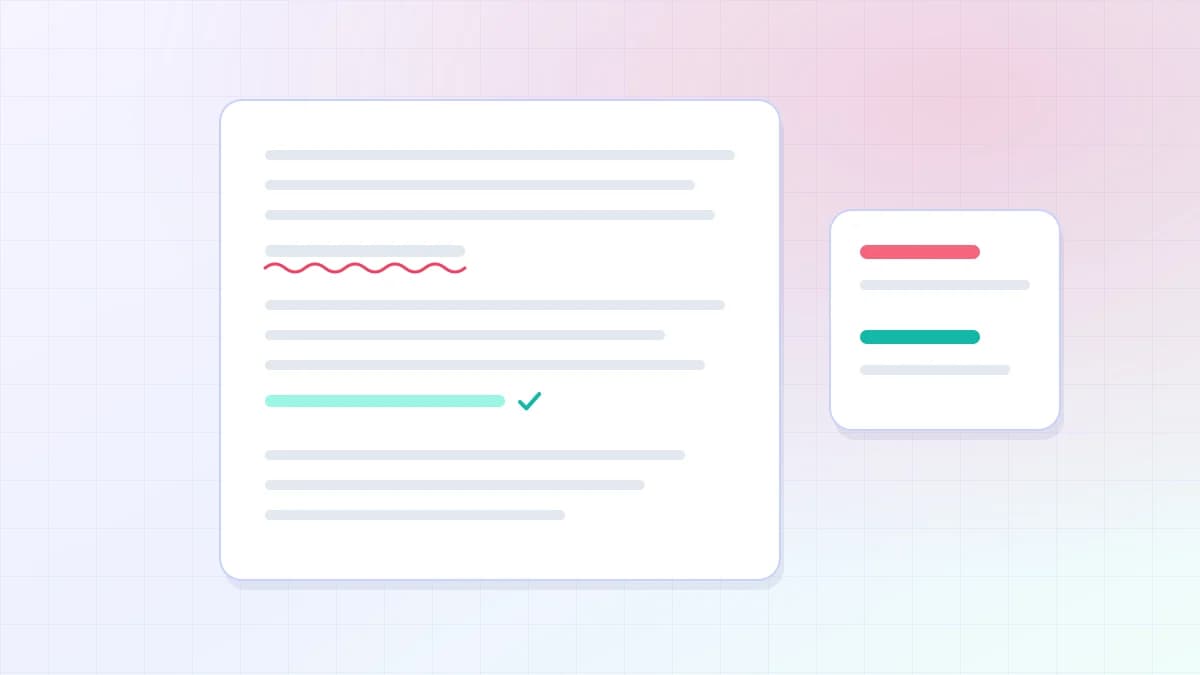
Typos and grammar slips cost credibility. A reader who spots "your" for "you're" in the first paragraph starts wondering what else is wrong. Automated grammar and spelling checks catch many of these errors in seconds — and, used carelessly, they can also change what you meant to say.
In short: run every piece through a spelling and grammar check, then review each suggestion in context. Accept clear corrections, think twice about style changes, and reject anything that alters your meaning or voice. A final human read is still essential.
What automated checks do well
- Spelling — including commonly confused words like affect/effect.
- Grammar — subject–verb agreement, tense consistency, articles.
- Punctuation — missing commas, doubled punctuation, stray spaces.
- Style — wordy phrases, repeated words, very long sentences.
The Spelling & Grammar Checker checks spelling, grammar, punctuation and style in a document or pasted text, so you can review issues by type.
Clarity and readability
Correct writing isn't automatically clear writing. Use style suggestions as prompts to ask: can this sentence be simpler?
- Split sentences that carry more than one idea.
- Prefer concrete words to abstract ones.
- Put the main point at the start of the paragraph.
- Cut filler: "in order to" → "to"; "at this point in time" → "now".
The Word Counter shows word, sentence and paragraph counts and reading time — a quick way to notice paragraphs that have grown too long.
Tone and consistency
Consistency signals care. Decide, and write down:
- British or American spelling.
- How you write product names and capitalise headings.
- Whether you use the serial comma.
- How formal you are — "you'll" or "you will".
Grammar tools flag inconsistencies, but only if you know which side you're on.
Tone also depends on the reader. A support article for frustrated customers should sound calmer and plainer than a launch announcement. Some tools comment on formality, but deciding the right tone for the moment is your call.
Context-sensitive corrections: where tools go wrong
Checkers work from patterns. They can misfire when:
- A word is correct but unusual — product names, technical terms, deliberate jargon.
- The sentence is intentionally informal — a fragment for emphasis. Like this.
- The meaning depends on context the tool can't see — "We don't recommend upgrading" is not the same as "We recommend not upgrading".
- A "simpler" word changes precision — "may" and "will" make different promises.
- Quoted text gets "corrected" — quotations should stay exactly as the speaker or source wrote them.
Avoid unintended changes in meaning
The biggest risk with AI rewriting features is a sentence that reads better but says something different. Protect your meaning:
- Review suggestions one at a time rather than accepting all.
- Be most careful in claims, numbers, instructions and legal or safety text.
- After heavy edits, compare versions with Text Compare to see every word that changed.
- Reread the final version for meaning, not just correctness.
Checking different kinds of content
| Content | What to watch for |
|---|---|
| Blog articles | Long sentences, inconsistent spelling, headings in different styles |
| Product pages | Names, numbers and units; claims that must stay precise |
| Emails and newsletters | Subject lines, names, links and the call to action |
| Interface text and buttons | Consistent verbs and capitalisation; very short text the checker may misread |
| Legal and policy pages | Don't accept rewording — meaning matters more than style |
Short texts such as buttons and subject lines give a checker little context, so read them yourself even when nothing is flagged.
Human proofreading still matters
A person catches things tools don't: a correct word in the wrong place, a fact that's wrong, a sentence that's grammatical but confusing, an example that no longer matches the text. A practical final pass:
- Read the piece aloud, slowly.
- Check headings, captions and links — they're often skipped.
- Verify every number and name.
- If possible, have someone else read it.
This fits naturally into the editing stage of an AI-assisted writing process.
Build a personal style sheet
Most writers make the same few mistakes again and again. Keep a short list of yours, and of the decisions you've made, so you can check for them directly:
| Entry | Example |
|---|---|
| Words you often confuse | its / it's, complement / compliment |
| Preferred spellings | "optimise" or "optimize", "e-mail" or "email" |
| Product and brand names | Exact capitalisation and spacing |
| Formatting rules | Sentence-case headings, numerals for 10 and above |
| Phrases to avoid | Filler openings, overused intensifiers |
Many grammar tools let you add words to a custom dictionary so technical terms and product names stop being flagged. Use it: fewer false alarms make the real problems easier to notice.
Grammar checks for second-language writers
Grammar tools are especially helpful for people writing in a second language, catching articles, prepositions and verb forms. Two cautions apply. First, a suggestion isn't always right — when one feels wrong, check a reference or ask a fluent colleague. Second, don't let the tool replace precise terms you chose deliberately: a technically correct word is better than a more common one that means something slightly different.
Second-language writers are also more often misjudged by AI text detectors, so it's worth knowing why a detector score is never proof.
A worked example
Here is a sentence from a draft product update:
The new export feature, which allow users to download there reports in PDF, will be available to all plans next week.
A checker would rightly flag "allow" (should be "allows") and "there" (should be "their"). It might also suggest replacing "will be available to all plans" with "is available on all plans" — but that changes the meaning, because the feature isn't live yet. Accept the two corrections and reject the style suggestion:
The new export feature, which allows users to download their reports in PDF, will be available to all plans next week.
Where checks fit in your process
- While drafting: ignore most suggestions and focus on getting the ideas down.
- After the structural edit: run a full check and fix clear errors.
- Before publishing: check the final text again, including headings, captions and button labels.
- After publishing: fix any errors readers report, and add them to your style sheet.
Frequently asked questions
Should I accept every grammar suggestion?
No. Accept clear errors; judge style suggestions; reject changes that alter meaning or voice.
Will a grammar tool make my writing sound like AI?
Accepting every style rewrite can make writing sound generic. Keep sentences that sound like you, even if a tool would phrase them differently. Our comparison of AI and human writing discusses voice in more detail.
Does grammar affect SEO?
Readers notice errors, and quality matters to search engines. A clean, clear page serves both.
Can a grammar checker help with SEO metadata?
Yes. Titles and meta descriptions are short and highly visible, so a typo there is especially noticeable. Check them along with the body text.
Is a free grammar check good enough?
For common spelling, grammar and punctuation errors, often yes. Whatever you use, the final judgement — and the read-through — is yours.
Why does the checker flag correct sentences?
It works from patterns and can't always see your intent. Product names, technical terms, deliberate fragments and regional spellings are common causes. Add recurring terms to a custom dictionary and ignore the rest.
Next step
Run your most recent article through the Spelling & Grammar Checker and review suggestions one by one, noting which you rejected and why — it's a quick way to find your own style rules.
- #Editing
- #Content Writing
Related reading
AI Content Writing
AI Content Writing: How to Create Helpful Articles Without Losing Your Voice
AI can draft quickly, but readers can tell when nobody was home. This process keeps your expertise, examples and voice at the centre of AI-assisted writing.
6 min read
AI Content Writing
AI Writing vs Human Writing: When Should You Use Each?
AI and human writers are good at different things. Here's a practical comparison and a hybrid workflow that uses each where it's strongest.
5 min read
AI Content Writing
AI Content Detection: Accuracy, Limitations, and Responsible Use
AI detectors give a probability, not a verdict. Learn how they work, where they fail, and how to use them without treating a score as proof.
5 min read
AI Content Writing
How to Build a Content Brief with AI and Search Intent
A good brief decides most of an article's quality before anyone writes a word. Here's how to build one with AI help, and a template you can copy.
5 min read