
How to Do a Local SEO Audit: NAP, Location Pages and Local Schema
Local search draws on your Business Profile, your website and the wider web. This audit walks through each in order, with what to check and how to fix it.
By SEO Tool Orbit7 min read
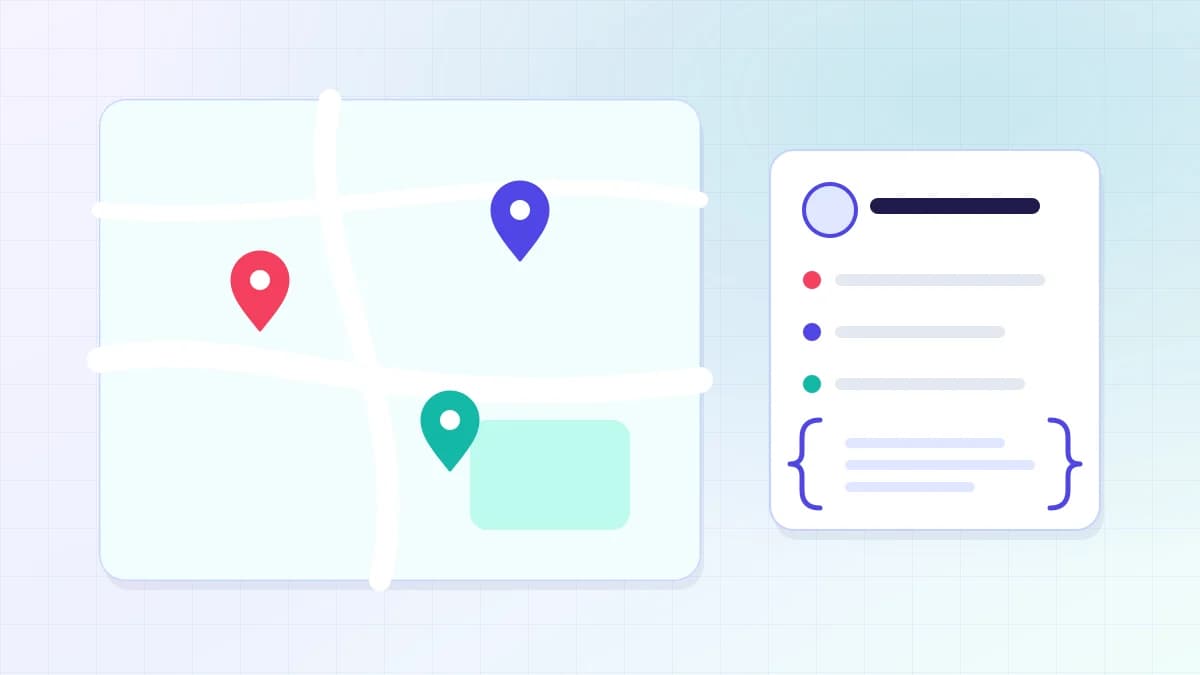
When someone searches for "dentist near me" or "bike repair in Leeds", the results look different from an ordinary search: a map with a handful of businesses, then a list of websites. Getting into those results depends on more than your website. Google draws on your Business Profile, the details on your site, and what the rest of the web says about you. A local SEO audit checks all three, in an order that fixes the basics first.
In short: make sure your business name, address and phone number (NAP) are identical everywhere they appear. Check that your Business Profile is verified, accurate and in the right category. Give every real location its own useful page, and mark it up with LocalBusiness structured data that matches what visitors see. Earn genuine reviews and reply to them. Use local wording where it's natural, and keep the technical basics sound. Never invent locations, reviews or keyword-stuffed business names.
What local search looks at
Google's own help for Business Profiles says local results are based mainly on three things: relevance (how well a business matches the search), distance (how far it is from the searcher or the place searched for) and prominence (how well known it is, online and off). You can't change distance. A local audit is about relevance and prominence — making it clear what you offer and where, and being visibly real and well regarded.
The audit, in order
| Area | What to check | Where |
|---|---|---|
| Business Profile | Verified, correct category, hours, address or service area, phone, website link | Your Business Profile dashboard |
| NAP consistency | Identical name, address and phone everywhere | Site footer, contact page, schema, profile, directories |
| Location pages | One useful page per real location | Your website |
| Structured data | LocalBusiness markup matching the page | Each location page |
| Reviews | Genuine reviews and replies | Your profile and other review sites |
| Local content and keywords | Services and places described naturally | Titles, headings, page copy |
| Technical basics | Indexable, linked, fast on mobile | Your website |
| Citations and links | Consistent listings, real local mentions | Directories, partners, local press |
1. Your Business Profile
For most local businesses, the Google Business Profile is the single most visible asset. Check that it's claimed and verified, and that:
- the business name is your real-world name — Google's guidelines don't allow adding keywords or locations to it
- the primary category describes your main business as specifically as possible, with secondary categories for other services
- opening hours are current, including holiday hours
- the address is shown if customers visit you, or a service area if you go to them
- the phone number and website link are correct, with the link pointing to the matching location page where you have several
- the description, services and photos reflect what you actually offer today
This part of the audit happens in your Business Profile dashboard; no website tool can change it for you.
2. NAP consistency
Your name, address and phone number should match character for character wherever they appear: the site footer, the contact page, location pages, structured data, your Business Profile and the main directories in your industry. Inconsistencies — an old address after a move, a different phone number on one page, "Street" here and "St" there — make it harder for search engines to be confident that all those mentions describe the same business.
The Local SEO Audit checks this on your website: it finds the name, address and phone details across the pages it samples, compares them, and flags mismatches. Where the site has it configured, it can also compare them with your public Google listing through Google's official Places API.
A note on call-tracking numbers: if you use them for advertising, keep your main number as the one in your profile, your site's NAP and your structured data.
3. Location pages
If you serve customers at more than one address, give each location its own page. A useful location page includes:
- the location's full address, phone number and opening hours
- directions, parking or public transport details, and a map
- the services available at that location, and who works there
- photos of the actual premises
- local details a visitor would want, such as nearby landmarks
Avoid "doorway" pages: dozens of near-identical pages that swap in a different town name, created for places you don't really serve from. Google's spam policies specifically cover doorway pages. A service-area business is better served by strong service pages that describe the area covered than by a page for every postcode.
Link each location page from a locations index and from your main navigation or footer, so both visitors and crawlers can reach it. Our internal linking guide explains how to structure hubs like this.
4. LocalBusiness structured data
Structured data tells search engines your business details in a machine-readable form. Google's documentation for LocalBusiness requires only name and address, and recommends properties such as telephone, url, geo, openingHoursSpecification and priceRange. Use the most specific type that fits — Dentist, Restaurant, AutoRepair — and add one block per location, on that location's page:
<script type="application/ld+json">
{
  "@context": "https://schema.org",
  "@type": "Dentist",
  "name": "Example Dental Care",
  "url": "https://example.com/locations/riverside",
  "telephone": "+44 113 496 0000",
  "address": {
    "@type": "PostalAddress",
    "streetAddress": "12 River Road",
    "addressLocality": "Leeds",
    "postalCode": "LS1 4AA",
    "addressCountry": "GB"
  },
  "openingHoursSpecification": [{
    "@type": "OpeningHoursSpecification",
    "dayOfWeek": ["Monday", "Tuesday", "Wednesday", "Thursday", "Friday"],
    "opens": "08:30",
    "closes": "17:30"
  }]
}
</script>
Rules that keep the markup trustworthy:
- Every value must match what's visible on the page and in your profile.
- Don't add review stars for testimonials you publish about yourself. Google recommends
reviewandaggregateRatingon LocalBusiness only for sites that collect reviews about other businesses. - Validate after every change.
The AI Schema Generator drafts LocalBusiness JSON-LD from a page or a form, and the Rich Results Test checks it. If you're new to the formats, our schema markup guide explains the vocabulary, and the structured data validation guide covers fixing errors.
5. Reviews
Reviews influence both prominence and whether people choose you. Ask happy customers for honest reviews, make it easy (a direct link to your review form), and reply to reviews — positive and negative — politely and specifically. Don't buy reviews, offer rewards for positive ones, write them yourself, or filter who gets asked based on whether they'll be positive; Google's policies prohibit fake engagement, and it undermines the trust reviews are meant to build.
6. Local content and keywords
Describe what you do and where, in the words customers use. On each location or service page:
- Put the service and place in the title and main heading where it reads naturally: "Emergency Dentist in Riverside, Leeds" rather than a list of every nearby town.
- Answer local questions: parking, accessibility, areas you cover, how quickly you can come out.
- Use the area's real names, not stuffed variations.
The On-Page SEO Checker reviews a page's title, headings and keyword use against a checklist, which helps keep local wording present without overdoing it.
7. Technical basics
Location pages have to be indexable and fast on a phone, because most local searches happen on one. Check that they return 200, aren't blocked or noindexed, have a self-referencing canonical, appear in your sitemap, and load quickly. Our technical SEO audit checklist covers these checks in order.
8. Citations and links
Citations are mentions of your business details on other sites: directories, industry bodies, local chambers of commerce. Focus on the listings that matter in your industry and region, and keep them consistent with your NAP rather than chasing volume. Links and mentions from genuinely local sources — partners, sponsors, local news, community organisations — show that you're a real part of the area.
Running the audit with the Local SEO Audit tool
The Local SEO Audit covers the website side in one pass: NAP consistency across the pages it samples, LocalBusiness schema, location pages and local keywords. It doesn't sign in to your Business Profile or change anything; use it to find what to fix on the site, then work through the profile checks in your dashboard.
A worked example
Suppose a dental practice has two clinics. The audit finds that the footer still shows the old phone number for one clinic, only one clinic has a location page, and the structured data on the homepage lists a single address. The fixes: update the phone number everywhere it appears, including the Business Profile and the main dental directories; create a page for the second clinic with its own hours, directions, photos and team; move the LocalBusiness markup onto each location page, one Dentist block per clinic; and point each Business Profile's website link at its own clinic page.
Frequently asked questions
Do I need a separate page for each location?
If customers visit you at more than one address, yes: each location deserves a page with its own details. Don't create pages for places you don't operate from.
Will LocalBusiness schema improve my local rankings?
Structured data helps search engines understand and display your details accurately. It isn't a shortcut to higher rankings, and it must match what's on the page.
What if I don't have a public address?
Service-area businesses can hide their address in the Business Profile and list the areas they serve instead. On the website, describe the service area clearly.
How often should I run a local SEO audit?
After any change to your name, address, phone, hours or locations, and otherwise every few months — directory listings and profiles drift over time.
Next step
Run the Local SEO Audit on your homepage or main location page and fix any NAP mismatches it finds first. Then open your Business Profile and check the category, hours and website link against the list above.
- #Local SEO
- #Structured Data
- #SEO Audit
Related reading

Technical SEO
Schema Markup for AI Search and Modern SEO
Structured data helps search engines understand your pages. Learn the fundamentals, the types worth adding, how to validate them and what schema can't do.
6 min read

Technical SEO
How to Validate Structured Data and Fix Schema Errors
Schema errors fall into a few kinds: broken JSON, wrong vocabulary, missing properties and markup that doesn't match the page. Here's how to find and fix each.
5 min read
AI & SEO
Internal Linking Strategy: Build Topic Clusters That Make Sense
Internal links tell readers where to go next and tell search engines how your pages relate. Here's how to plan them as topic clusters instead of adding them at random.
5 min read
Technical SEO
How to Perform a Technical SEO Audit Step by Step
A technical audit answers one question: can search engines reach, understand and index your important pages? Here is the order to check things in, and what to fix first.
6 min read